Ever feel like you spend hours moving elements around a screen only to end up with a post that looks a bit off? You want your Instagram or Facebook feed to look professional, but hiring a designer just is not in the budget right now. Most entrepreneurs try to figure it out through random tutorials, but that usually leads to more frustration than results. You need a simple way to make your graphics pop so you can focus on growing your business.
Taking a canva for beginners course helps you stop guessing and start creating. Instead of staring at a blank page or a messy template, you can learn how to handle layout and spacing like a pro. This guide shows you how to build a consistent brand look quickly, so your followers actually stop scrolling and pay attention to what you offer. Get ready to gain the confidence you need to make visuals that drive sales and engagement.
1. Why Your Social Media Posts Look Amateur (And How to Fix It Fast)
Ever spent two hours tweaking a single Instagram template only to have it look slightly off? It is incredibly frustrating when you put in the effort but the final result fails to grab attention. Most entrepreneurs face this exact wall. You pick a pretty layout, swap the colors, and suddenly the text feels cramped or the balance disappears. This happens because templates are just starting points. Without knowing the basic rules of spacing and alignment, your graphics might actually hurt your brand credibility instead of helping it grow.
When your feed looks inconsistent, potential clients might hesitate to trust your services. You do not need to spend thousands on a professional designer to fix this issue. Most design hurdles come down to simple mistakes that are easy to correct once you see them. Learning how to move elements with purpose changes everything. You will start producing visuals that look polished and intentional, which naturally leads to better engagement and more sales from your followers.
If you feel overwhelmed by scattered tutorials that never seem to click, a structured approach is your best bet. Enrolling in a canva for beginners course helps you stop guessing and start creating with confidence. Instead of clicking around aimlessly, you learn a clear system to handle layouts and color schemes like a pro. This shift saves you hours every week, allowing you to focus on running your business while your social media handles the heavy lifting of attracting new customers. You gain the skills to reuse your best designs across different platforms, ensuring your brand looks sharp everywhere from Facebook to YouTube. Taking control of your visual identity builds the professional presence your hard work deserves.
2. Enter the Ultimate canva for beginners course
Stop wasting your precious weekends hunting for random YouTube tutorials that leave you more confused than when you started. If you feel like your social media posts look a bit amateur or messy, you are not alone. Many business owners struggle to make their brand look polished without spending a fortune on a private designer. This is exactly why a structured canva for beginners course changes the game for your brand.
This fun system focuses on practical steps rather than boring theory. You will finally grasp how to handle spacing, color harmony, and layout so your graphics pop on a busy feed. Instead of staring at a blank screen or a template that just doesn’t fit, you will gain the confidence to build visuals that reflect your hard work. This course teaches you how to streamline your creative process, allowing you to produce a week of content in just one sitting.
Consistency builds trust with your followers. When your Instagram grid or Facebook headers look uniform and sharp, people take your services seriously. You need a repeatable method to swap photos, update text, and maintain your brand identity across every platform you use. By following this clear path, you bypass the frustration of trial and error. You get to focus on what you do best, while your visuals do the heavy lifting of attracting new clients. This approach saves hours of clicking around aimlessly and puts the power of high-quality design directly into your hands.
Ready to turn those cluttered designs into professional assets? Mastering these tools allows you to grow your online presence with ease. You will move from feeling overwhelmed by buttons and menus to effortlessly creating templates that sell your products. This shift ensures your business looks as expert as the services you provide every single day.
3. Master the Magic of Consistency and Layouts
Creating social media posts that look professional often feels like a guessing game. You might spend hours moving elements around on a screen, only to feel that the final result looks cluttered or amateur. The secret to fixing this lies in mastering a few simple design rules. By focusing on alignment, spacing, and color theory, you can transform your creative process from a stressful chore into an effortless routine. These foundations ensure your brand stays recognizable across every platform, building trust with your followers instantly.
Consistency is your best friend when you want to grow an online presence. When your Instagram grid or Facebook headers share a unified look, your audience begins to associate certain colors and layouts with your expertise. Learning these skills through a structured canva for beginners course helps you move past the frustration of trial and error. Instead of starting from zero every morning, you gain a clear system to produce high-quality graphics that actually grab attention. This approach saves you hours of time and gives you the confidence to show up online without hesitation.
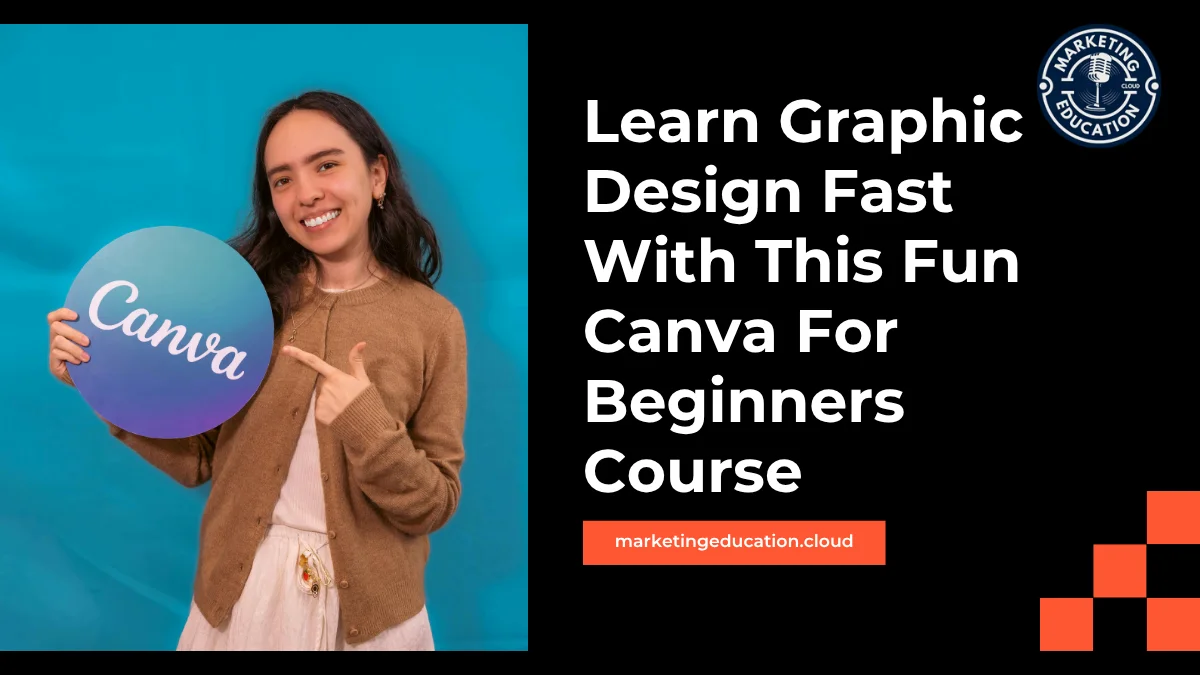
Understanding how to balance white space and choose fonts makes your content much more readable and engaging. To help you get started, check out the Free Canva Course for DIY Social Media Graphics (April Only). This video course, available inside Education Cloud Plus, teaches you how to use Canva from scratch and apply design principles that make your brand stand out. You can learn to create and resize content for multiple platforms in minutes, allowing you to focus on growing your business rather than fighting with a design tool. If you want to stop feeling overwhelmed and start producing scroll-stopping visuals, you should Start the course for free in April – Join Education Cloud Plus now.
4. Create Once, Post Everywhere: The Time-Saving Template System
Staring at a blank screen while trying to figure out how to fit a vertical Instagram Story into a horizontal YouTube banner is enough to make anyone want to quit for the day. Most side hustlers spend hours tweaking the same image for different platforms, which pulls focus away from making sales. This canva for beginners course fixes that headache by teaching you how to build a smart template system from scratch. Instead of starting over every time you need a new post, you learn how to develop a core set of graphics that work for your brand.
You will discover how to master the magic of resizing tools to transform a single Facebook post into a polished Pinterest pin or a sleek LinkedIn header in seconds. The lessons focus on practical layout rules, ensuring your text stays readable and your logos remain crisp regardless of the platform. By understanding how to group elements and lock specific layers, you can swap out photos or update headlines without ruining the entire composition. This approach keeps your feed looking consistent and professional, which helps build trust with your followers.
Speed is the goal here. Once you have your foundational designs ready, posting becomes a matter of clicking and dragging rather than a whole afternoon of guesswork. You get to reclaim your schedule while still putting out high-quality visuals that grab attention. Learning these specific workflows means you stop acting like a frantic content creator and start behaving like an efficient business owner. You gain the confidence to handle your own branding without needing a massive budget or a degree in art. These strategies ensure your social media presence stays active and vibrant, allowing you to get back to the work that actually grows your income.
5. Boost Your Engagement and Confidence Overnight
Creating visuals that stop a thumb from scrolling feels like a superpower when you handle every part of your business alone. Many creators feel stuck with amateur layouts or messy spacing because they never learned the basic rules of a good look. This canva for beginners course changes that dynamic by teaching you the core principles that make a graphic actually work. When your Instagram feed or Facebook banners look cohesive, your brand instantly gains trust and credibility with your followers.
High-quality posts lead to immediate results. When you apply simple design foundations, your audience notices the shift. You will see more likes, comments, and shares because your content finally matches the quality of your services or products. This shift helps you stop guessing what looks good and start producing professional graphics with total certainty. Instead of spending hours struggling with a single post, you can master how to resize layouts for different platforms in minutes, keeping your presence consistent across YouTube and social media.
Learning how to use colors, fonts, and whitespace effectively ensures your message gets heard. You can even experiment with animated posts to grab more attention in busy feeds. If you want to stop feeling overwhelmed by DIY design, check out the Free Canva Course for DIY Social Media Graphics. It provides a clear, step-by-step system for solopreneurs who need to look professional without the high price tag of a freelancer. You can Start the course for free in April – Join Education Cloud Plus now to gain these skills. Having a solid design foundation allows you to focus on growing your business while your visuals do the heavy lifting of attracting new customers.
Master Professional Design Skills Today
You can stop guessing which colors work together or why your layouts feel off. Mastering a few simple design rules allows you to build a credible brand presence that grabs attention on every social feed. This canva for beginners course gives you the exact tools needed to turn messy templates into polished, professional graphics that drive real engagement. You will save hours of frustration by learning to create and resize content quickly for Instagram, Facebook, and YouTube.
Take control of your visual branding and start seeing better results from your posts right away. To get the best results, Start the course for free in April – Join Education Cloud Plus now.